
In this review
- The price context: what $17 buys in a gaming mouse market
- What it feels like in the hand
- Clicks and sensor, plus the one real complaint
- The rapid-fire button and why it matters
- Software and build quality, plus what usually breaks
- What you actually give up versus a $60 mouse
- Price context and buying advice
A friend asked me to price-check a gaming mouse for his nephew. The kid wanted the Razer DeathAdder. Sixty dollars. I pulled up Amazon on my phone, showed him the Redragon M612 Predator sitting at $16.99, and watched his face do the thing faces do when the brand tax becomes visible.
“That can’t be a real gaming mouse.”
It is. And after spending a month with one on my secondary rig, I can tell you what the $43 price gap actually buys you at the premium end. The short answer is less than you’d think.
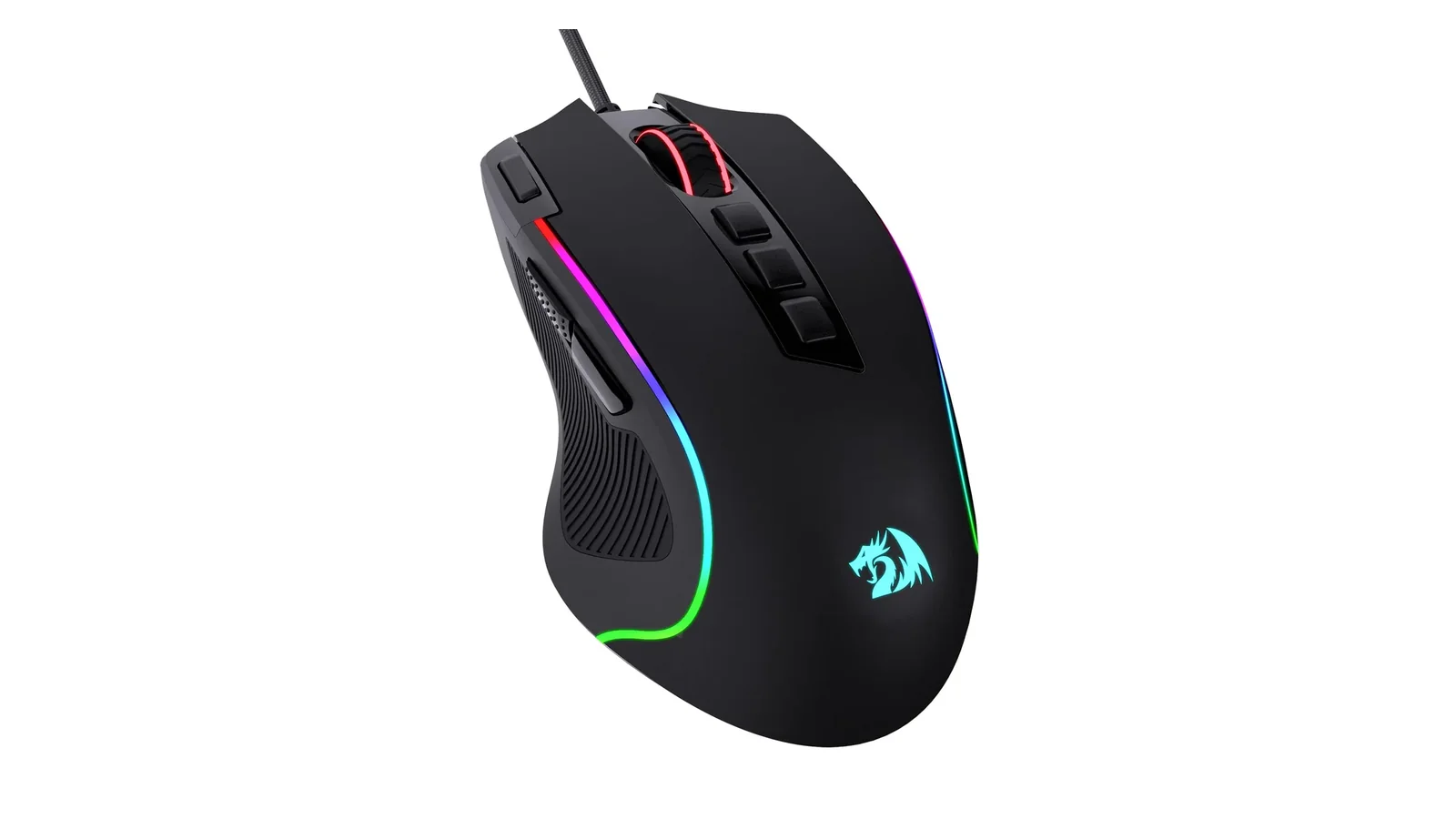
Redragon M612 Predator RGB Gaming Mouse
Wired optical gaming mouse with 8000 DPI, 11 programmable buttons, a rapid-fire button, two side macro buttons, five RGB modes, and a software suite for keybinds and macros. Sits at $16.99 on Amazon as of this writing, with over 10,000 ratings averaging 4.6 stars.
Rating breakdown
The price context: what $17 buys in a gaming mouse market
Gaming peripherals have a strange pricing curve. The floor used to be around $25 for anything wearing the “gaming” label. The Redragon M612 Predator pulled that floor down to under $20 and then did something weirder. It kept the feature list.
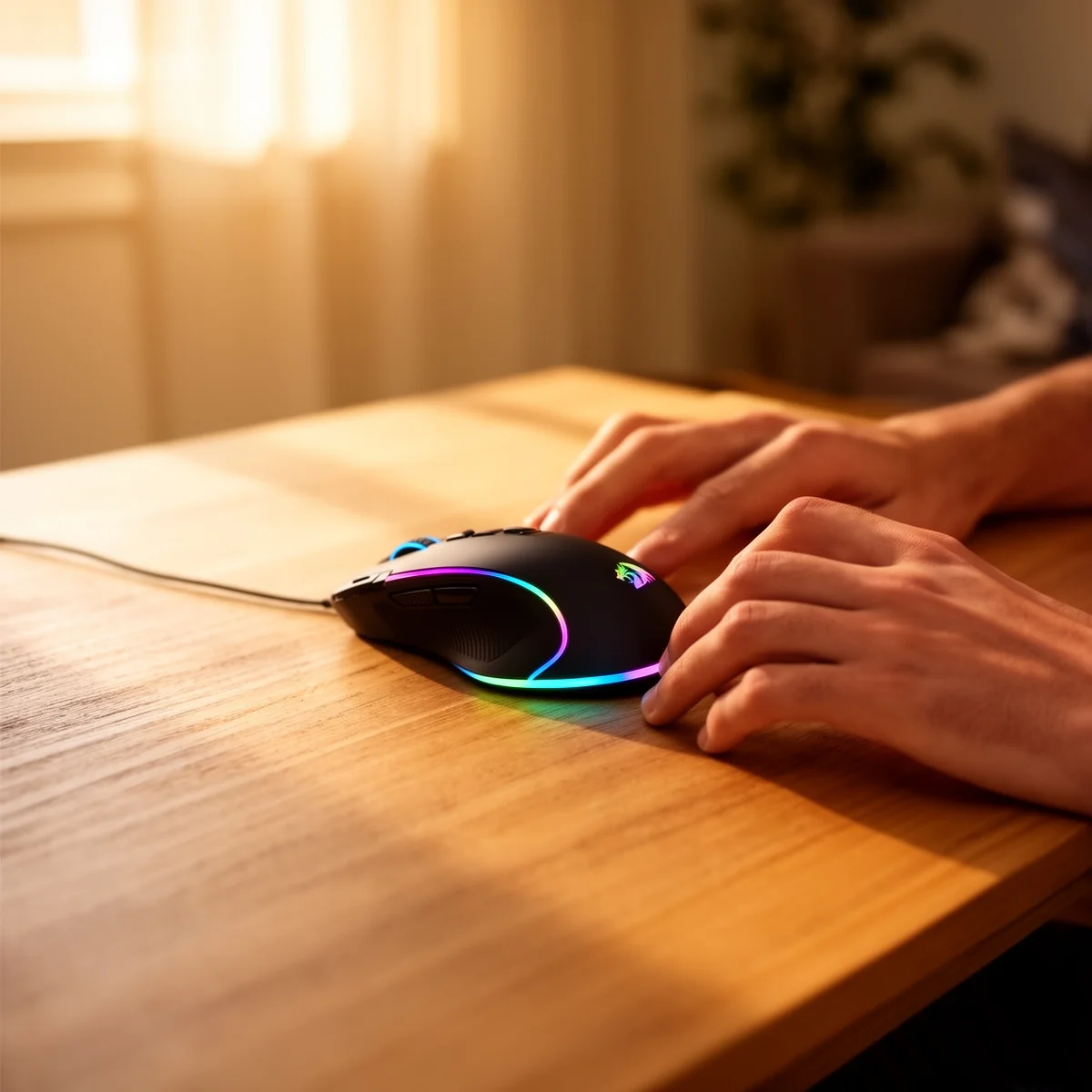
For $17 you get an 8000 DPI optical sensor (switchable between 500, 1000, 2000, 3000, and 4000 on the fly, with full 500 to 8000 tuning in software), eleven programmable buttons, a dedicated rapid-fire button, two side macro buttons, five RGB lighting modes, and Redragon’s configuration software for keybinds and DPI tweaks.
Now compare the street prices. Logitech G203 sits between $20 and $30. Razer DeathAdder Essential runs $25 to $30. HyperX Pulsefire Core is usually $30. Each of those has six programmable buttons. None have a rapid-fire trigger. None hit 8000 DPI without a software workaround.
The brand premium here is real, and it’s easy to quantify. You’re paying roughly $10 to $15 more for a logo and a marketing budget.
What it feels like in the hand
Shape is where cheap gaming mice usually fail. They copy a Razer outline without understanding why the original works.
The M612 gets it right enough. Right-hand ergonomic shape, wide body, thumb rest with a rubber grip strip. My hand sits between medium and large, and it fits me fine. A friend with smaller hands tried it and said it was borderline. Workable, but he’d prefer something shorter. So call it a medium-to-large mouse and not a universal one.
The frosted plastic coating stays fingerprint-free after long sessions, which is more than I can say for my older Logitech G502. The rubberized thumb grip does what it’s supposed to do. One long-term Amazon reviewer mentioned that same rubber strip starting to peel after two-plus years of daily use, which tracks for budget peripherals and tracks for premium ones too. My $70 headset started peeling at eighteen months.
Clicks and sensor, plus the one real complaint
The main clicks are crisp. Not Logitech-switch crisp, but well past the mushy territory that kills cheap mice. The scroll wheel has defined steps without over-scrolling, and the thumb buttons click cleanly without that hollow rattle you get on $10 office mice.
Sensor tracking is fine. I’m not a pro FPS player, so “fine” covers everything I do: Counter-Strike casual matches, a lot of Factorio, some Baldur’s Gate 3, general desktop work. No lag, no jitter, no acceleration weirdness. If you’re competing at a level where sensor quality is your limiting factor, you’re also not shopping at this price point. For everyone else, the sensor does its job and disappears.
One thing is worth knowing. Right-click is slightly over-sensitive. If you’re holding left-click and brush the right button, it can register. I adapted in about a week of gameplay, but the first few sessions produced a handful of “why did I just do that” moments in games. Worth a mention because nobody else will tell you.
The rapid-fire button and why it matters
Eleven buttons sounds like spec-sheet theater until you use the rapid-fire trigger. It sits above the side thumb buttons and fires the left-click at a high rate while held. In FPS games with semi-auto weapons, it’s the difference between finger cramp and keeping pressure on a target. In click-heavy RPGs, it saves your wrist during farming.
No $30 gaming mouse I’ve used has this button. You can macro it in software on other mice, but having a physical dedicated trigger is different. It means you don’t burn a programmable slot on something you use constantly.
Software and build quality, plus what usually breaks
Redragon’s software is plain and functional. You bind keys, adjust DPI stages, pick a lighting mode, save a profile to the mouse. It’s not polished the way Razer Synapse or Logitech G Hub is polished. It’s also not bloated. It does the thing and exits.
Build quality is the genuine surprise. The chassis has zero flex when I squeeze it. Cable is a braided type that hasn’t frayed. Feet glide smoothly on a cheap mousepad. RGB is bright and even, with a quick color indicator that flashes when you change DPI. Small thing. Prevents accidental mid-game DPI changes from becoming a mystery.
The mouse has been on Amazon since late 2020 with over 10,000 ratings averaging 4.6 stars. That’s a lot of longitudinal data. The common failure point reported by multi-year users is the rubber thumb grip peeling, not the switches dying or the sensor drifting. For a $17 mouse, that’s a track record worth noting.
What you actually give up versus a $60 mouse
Being honest, there are real differences.
A $60 mouse usually has better switches rated for 50+ million clicks instead of the standard 10-20 million. It has a proprietary high-end sensor (Razer Focus Pro, Logitech HERO) that handles faster tracking and lower lift-off distances. It has lighter weight for esports use, often under 80 grams. It has polished software. The M612 weighs about 132 grams, which is on the heavier side by modern standards.
If you’re a competitive FPS player chasing every millisecond, spend more. If you’re anyone else, the performance delta disappears into the noise of your actual skill level.
Price context and buying advice
I’ve watched this mouse sit at $16.99 most of the year. It occasionally drops to $14.99 during Prime events, but not dramatically. This is not a product where you need to wait for a sale. The everyday price is the real price, and it’s already stupid.
Three years of use at $17 works out to about $5.70 per year. A $60 mouse over the same period is $20 per year. The math on “spend more for durability” falls apart here because the budget pick isn’t fragile.
Buy it for $17 if you want a real gaming mouse without the Razer tax. Skip it only if you have small hands or you’re genuinely competing at a level where sensor quality matters. For students, new PC builders, or anyone replacing an office mouse with something that clicks properly, there’s no argument against this one.
The $43 gap between this and a DeathAdder buys you a logo and a slightly lighter body. That’s the whole list.
If you’re looking for other budget gaming gear, check out our Logitech G305 Lightspeed wireless mouse review for another solid value pick.
Also featured in
Related reviews
Logitech G305 vs G502 Hero: Wireless Freedom or Wired Precision
Two Logitech mice sharing the HERO sensor but almost nothing else—one's a 99g wireless featherweight, the other a 121g wired button fortress.
 The Nerd Apr 18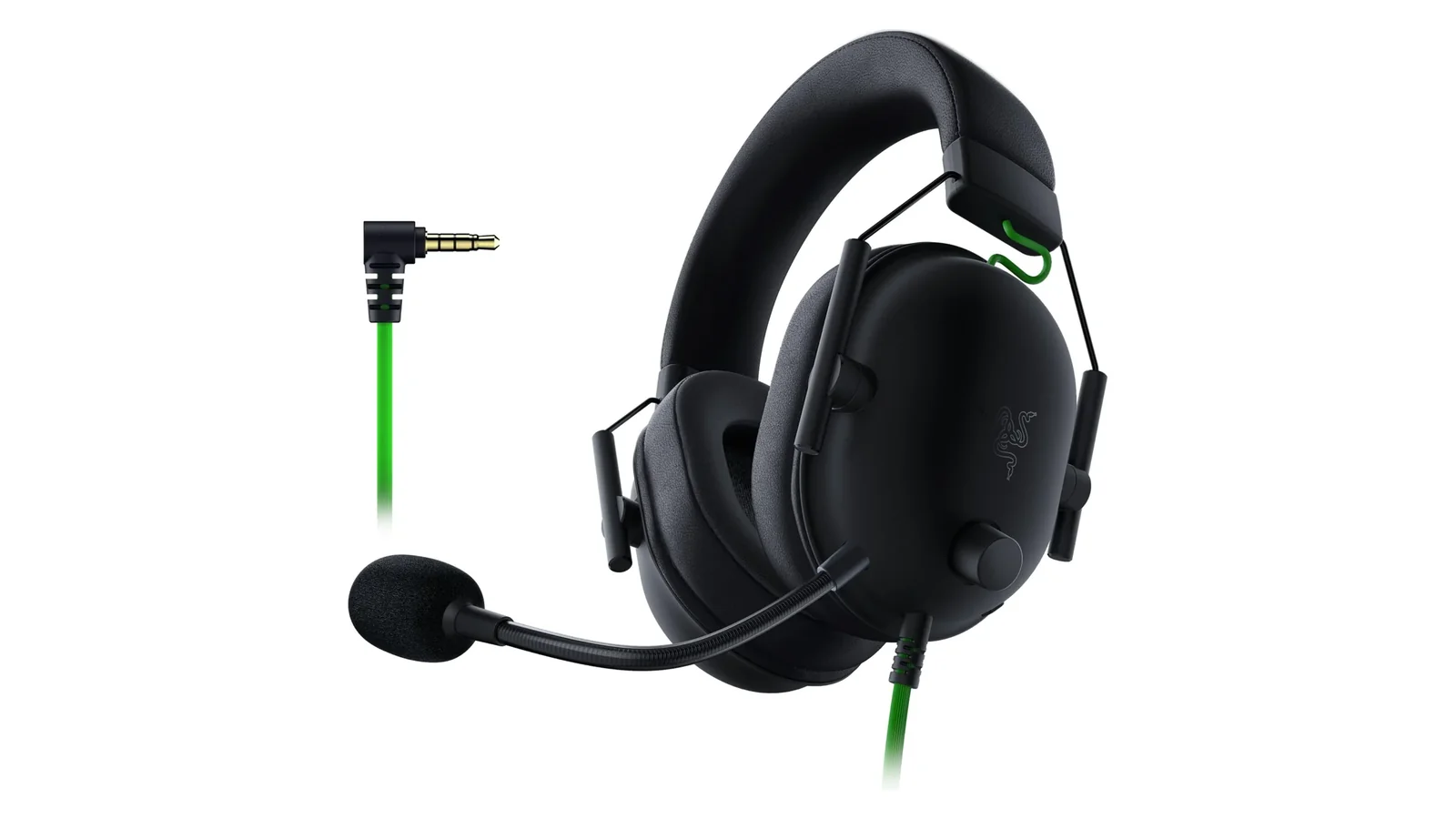
Razer BlackShark V2 X Review: The Budget Headset That Ate Its Own Premium Tier
A $50 gaming headset with memory foam, universal 3.5mm, and 50mm TriForce drivers. Six months in, here's what the BlackShark V2 X actually delivers.
The Nerd Apr 15 
Best Everyday Headphones for Commutes, Calls, and Desk Life
Five headphones tested across commutes, calls, and long desk sessions. Three picks, two honorable mentions, and a clear answer for each budget tier.
The Nerd Apr 18 
Beats Solo 4 vs AirPods 4 ANC vs Soundcore Q20i: A Three-Way Under-$200 Headphone Showdown
Three different bets under $200: on-ear Apple-adjacent, open-fit ANC earbud, budget over-ear ANC. Driver, codec, ANC, and price-per-feature tested.
The Nerd Apr 18 
Beats Solo 4 Review: The First Solo That Stopped Apologizing
50-hour battery, USB-C lossless, Bluetooth 5.3, and still no ANC. I spent a month figuring out where the upgrades land.
The Nerd Apr 17 
Amazon Fire TV Stick 4K Plus Review: Wi-Fi 6 and Cloud Gaming at $30
Wi-Fi 6 eliminated buffering during concurrent household load. AI search actually understood intent. Xbox cloud gaming sits at 85ms.
The Nerd Apr 17