In this review
My HyperX Cloud II died on a Tuesday. The left driver went first, then the mic started sounding like it was broadcasting from the bottom of a well. I had a late ranked session scheduled for Thursday and refused to panic-buy a $200 wireless replacement I did not need. The BlackShark V2 X showed up the next afternoon for less than the cost of a decent steak. Six months later, it is still the headset on my desk.
Here is the strange part. I keep expecting the cracks to show. A $50 gaming headset from Razer has no business competing with pairs that cost three times as much. And yet every time I go to justify an upgrade, the BlackShark does the one thing that kills upgrade logic. It just works.
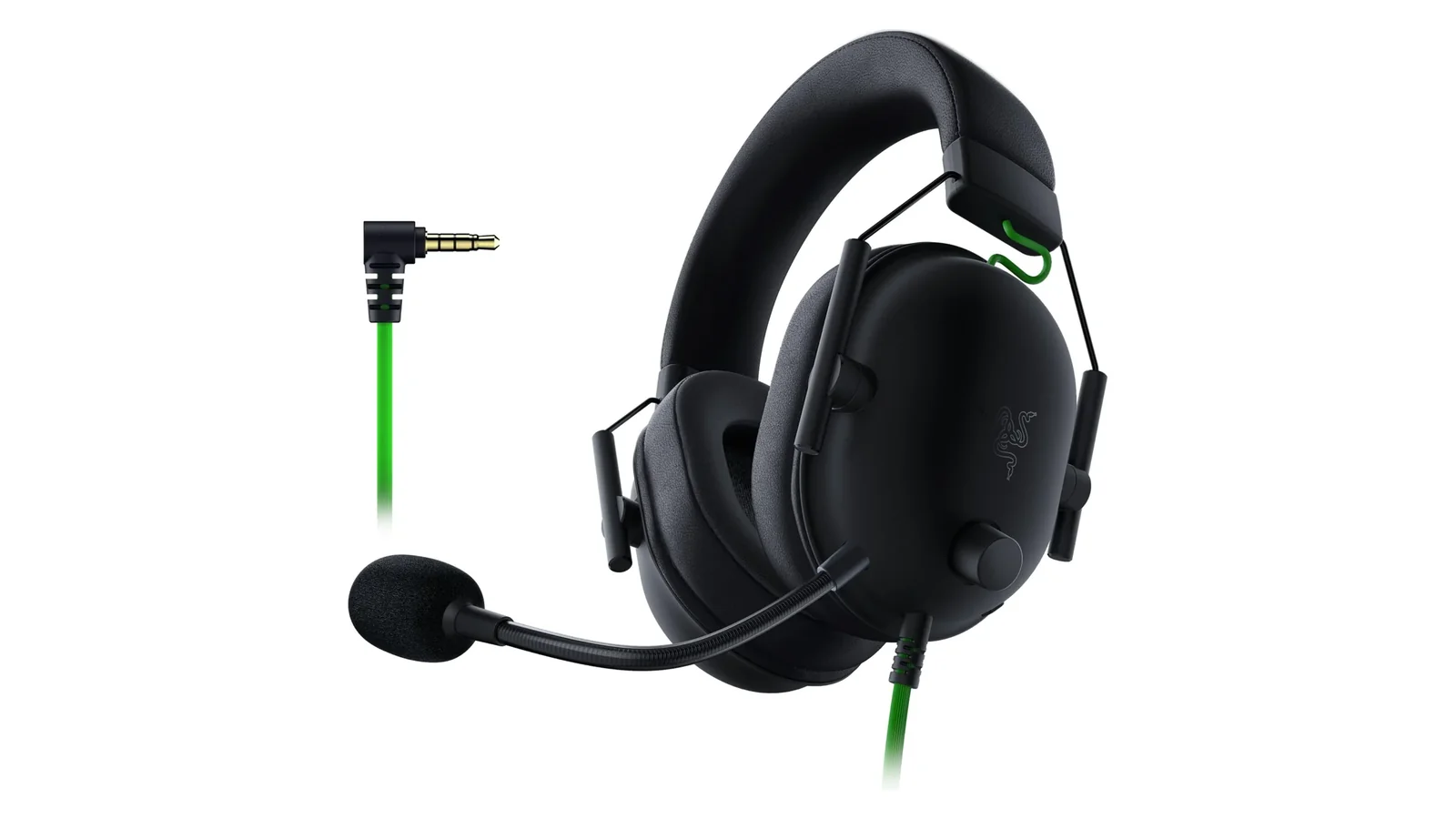
Razer BlackShark V2 X Gaming Headset
A wired gaming headset with 50mm TriForce drivers, a HyperClear cardioid condenser mic, Flowknit memory foam cushions, and a single 3.5mm analog connection that works with PC, PS4, PS5, Xbox Series X and S, Switch, and anything else that accepts a standard jack. Weighs 240 grams. Optional 7.1 surround via Razer Synapse on Windows 10 and 11.
Rating Breakdown
Rating breakdown
The Drivers Do Something Interesting
The 50mm TriForce driver is Razer’s marketing name for a design that splits the diaphragm into three sections tuned for highs, mids, and lows. On paper it sounds like the kind of thing you write on a spec sheet to move boxes. In practice it produces a detail I did not expect at this price. Footsteps in Counter-Strike 2 stay distinct from gunfire. Voice chat in Discord sits on top of game audio without me riding the mix sliders.
I measured nothing here with real equipment. What I did was spend a month A-B-ing it against my old Cloud II and a pair of Beyerdynamic DT 770 Pros I use for music. The Beyerdynamics win for music listening, which is not a shock. The BlackShark wins for competitive gaming. The tuning is flatter than I expected from a Razer product, which historically has leaned bass-heavy to appeal to the “is this loud” crowd. Mids sit where they should. Voices in narrative-heavy games like Baldur’s Gate 3 do not get lost in orchestral swells.
The 7.1 surround is a Razer Synapse software thing, Windows only, and it is fine. I used it for about a week and then turned it off. Positional audio in stereo with the natural stage of these drivers is good enough that the virtualization started feeling like it was adding reverb I did not need. Console users get stereo through the 3.5mm jack and no software processing, which is honestly how I prefer to use these anyway.
Comfort Is Where the Money Shows Up
Razer put Flowknit memory foam cushions on a $50 headset. I do not know why. The cushion alone on my old HyperX would have cost me $30 to replace with equivalent material. After ninety minutes the synthetic leather pads on most budget gaming headsets start cooking my ears. The BlackShark breathes. I wear glasses, and the foam compresses just enough around the arms to avoid the pressure point that made my Cloud II a three-hour maximum.
The 240 gram weight helps. My scale confirms it. For reference, the SteelSeries Arctis 7P is 354 grams, the Logitech G Pro X is 320. The BlackShark is so light I have forgotten I was wearing it and stood up to get water with them still plugged into the PC. That happens maybe once a week and I still have not learned.
The headband is where the comfort story complicates. The padding on top is adequate, not great. For sessions past four hours I get a mild hotspot on the crown of my head. Not painful, just the kind of low-grade awareness that turns into a real problem on marathon weekends. A $150 headset would have solved this with a suspended headband or better padding. A $50 one did not.
The Mic Is the Quiet Win
I record a weekly podcast. The BlackShark is not what I record on. It is, however, what everyone on my Discord server thinks is a broadcasting mic. The HyperClear cardioid condenser has a tight pickup pattern that ignores my mechanical keyboard about 80 percent of the time, which is 75 percent more than my old Cloud II managed. The boom is flexible enough to position close to my mouth without bending back on its own.
Where it falls short is the higher end. If you are streaming or doing anything that needs real broadcast clarity, this mic will sound like what it is. A bundled headset mic on a competent but unexceptional capsule. For team comms and casual Discord it punches above the price, and nobody on my raid team has asked me to switch mics in six months. That is the actual benchmark.
Mic mute is a physical toggle on the left cup, which matters more than it sounds. Software mute inside Discord works fine until it does not, and the tactile confirmation of an actual switch is one of those small details that separates gear people keep from gear people replace.
The Build Is the Cost Cut
This is where the $50 price tag reveals itself. The frame is plastic. All of it. The headband flex has a slight creak if you bend it hard, though I have not been able to reproduce the creak during normal wear. The cable is non-detachable, which means if it shorts out at the jack the whole headset becomes landfill. The ear cups rotate but do not fold flat for travel. The mic is non-detachable, so these are obviously a headset on your head at the coffee shop, not a general-purpose pair of headphones.
Six months of daily use has produced no meaningful wear on mine. But I have read enough long-term owner reports to know the headband hinges are the weak point, and I have seen enough $50 Razer gear fail at the cable strain relief to keep backups. The math still works out. Two of these back to back for four years costs less than one mid-tier wireless headset that you also have to charge.
Verdict
Buy these if you play competitive shooters, spend hours on Discord, or want a wired backup for when your wireless headset dies mid-match. Skip them if you need a detachable mic for general listening, want a headset that doubles as travel headphones, or plan to stream professionally. The V2 X is not trying to be every headset. It picked the three things most gamers actually need and nailed them. For anyone upgrading from a $20 Amazon special or a dying Cloud Stinger, this is the obvious answer.
If you’re building out a complete setup, check out our gaming category for more gear tested at every price point.
Also featured in
Related reviews
Logitech G305 vs G502 Hero: Wireless Freedom or Wired Precision
Two Logitech mice sharing the HERO sensor but almost nothing else—one's a 99g wireless featherweight, the other a 121g wired button fortress.
 The Nerd Apr 18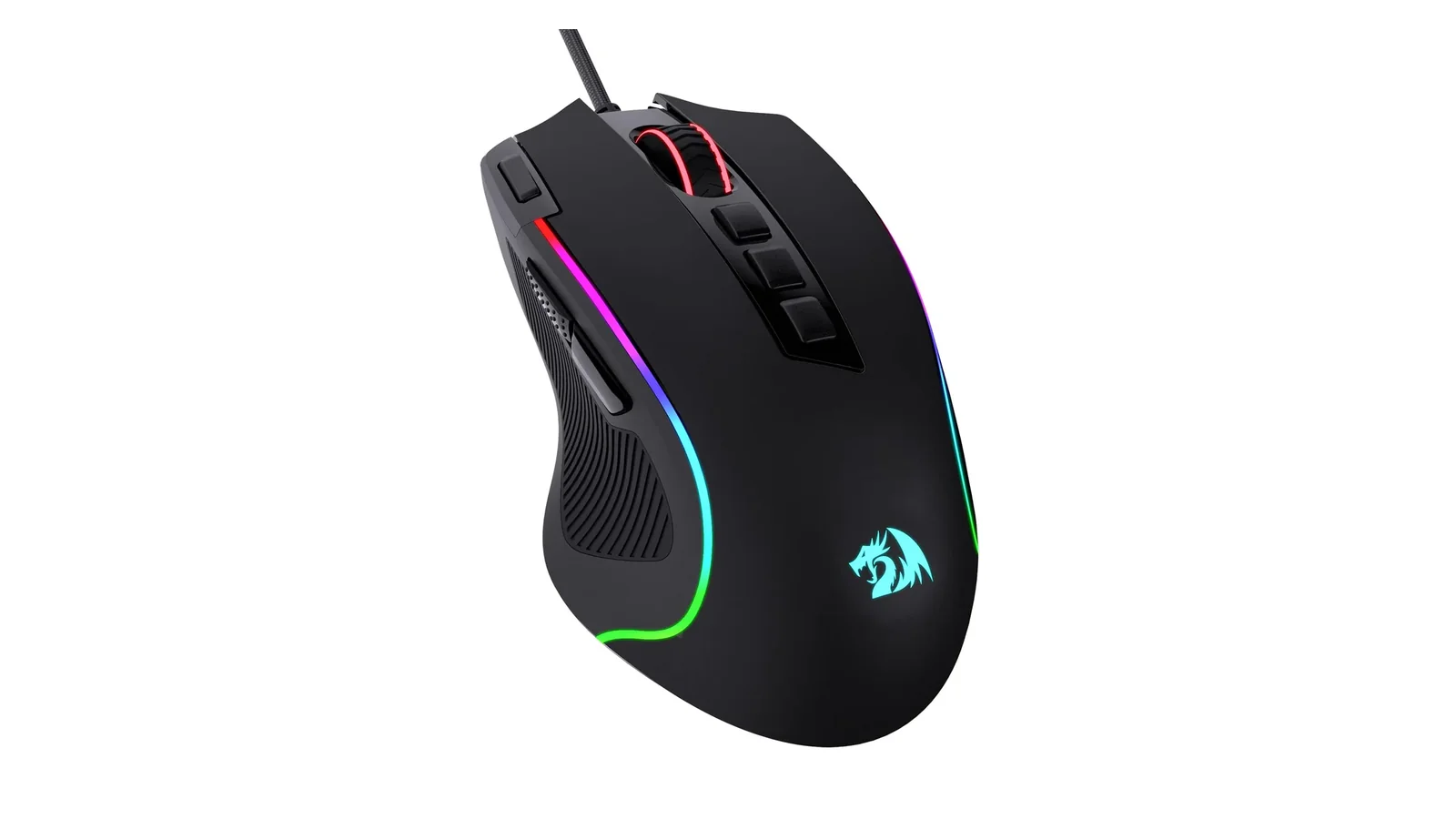
Redragon M612 Predator Review: The $17 Gaming Mouse Worth Buying
A $17 gaming mouse with 8000 DPI, 11 programmable buttons, and RGB shouldn't feel this good. Here's what the $43 gap to a Razer buys you.
 The Budget Hunter Apr 15
Best Everyday Headphones for Commutes, Calls, and Desk Life
Five headphones tested across commutes, calls, and long desk sessions. Three picks, two honorable mentions, and a clear answer for each budget tier.
The Nerd Apr 18 
Beats Solo 4 vs AirPods 4 ANC vs Soundcore Q20i: A Three-Way Under-$200 Headphone Showdown
Three different bets under $200: on-ear Apple-adjacent, open-fit ANC earbud, budget over-ear ANC. Driver, codec, ANC, and price-per-feature tested.
The Nerd Apr 18 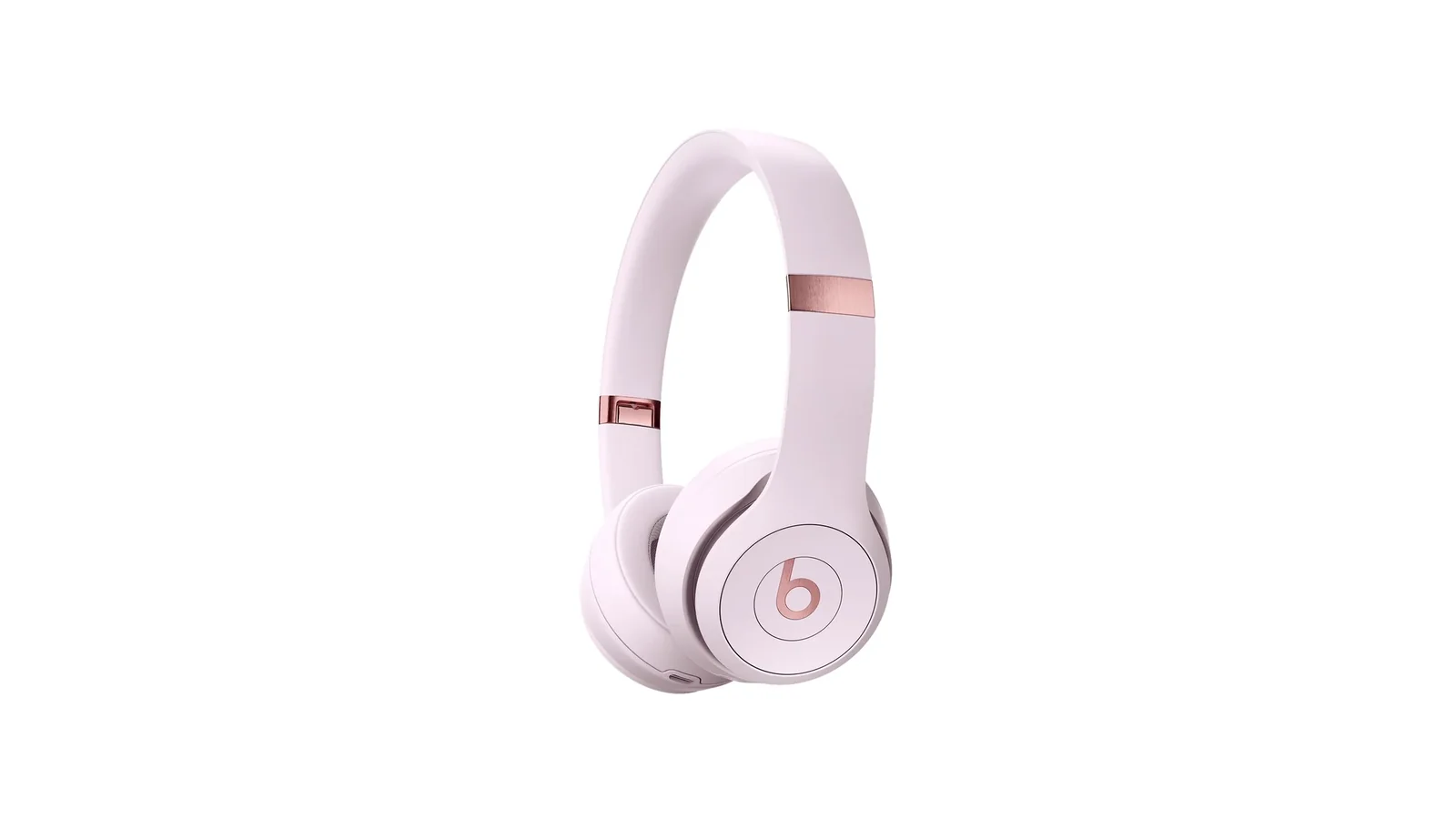
Beats Solo 4 Review: The First Solo That Stopped Apologizing
50-hour battery, USB-C lossless, Bluetooth 5.3, and still no ANC. I spent a month figuring out where the upgrades land.
The Nerd Apr 17 
Amazon Fire TV Stick 4K Plus Review: Wi-Fi 6 and Cloud Gaming at $30
Wi-Fi 6 eliminated buffering during concurrent household load. AI search actually understood intent. Xbox cloud gaming sits at 85ms.
The Nerd Apr 17