In this review
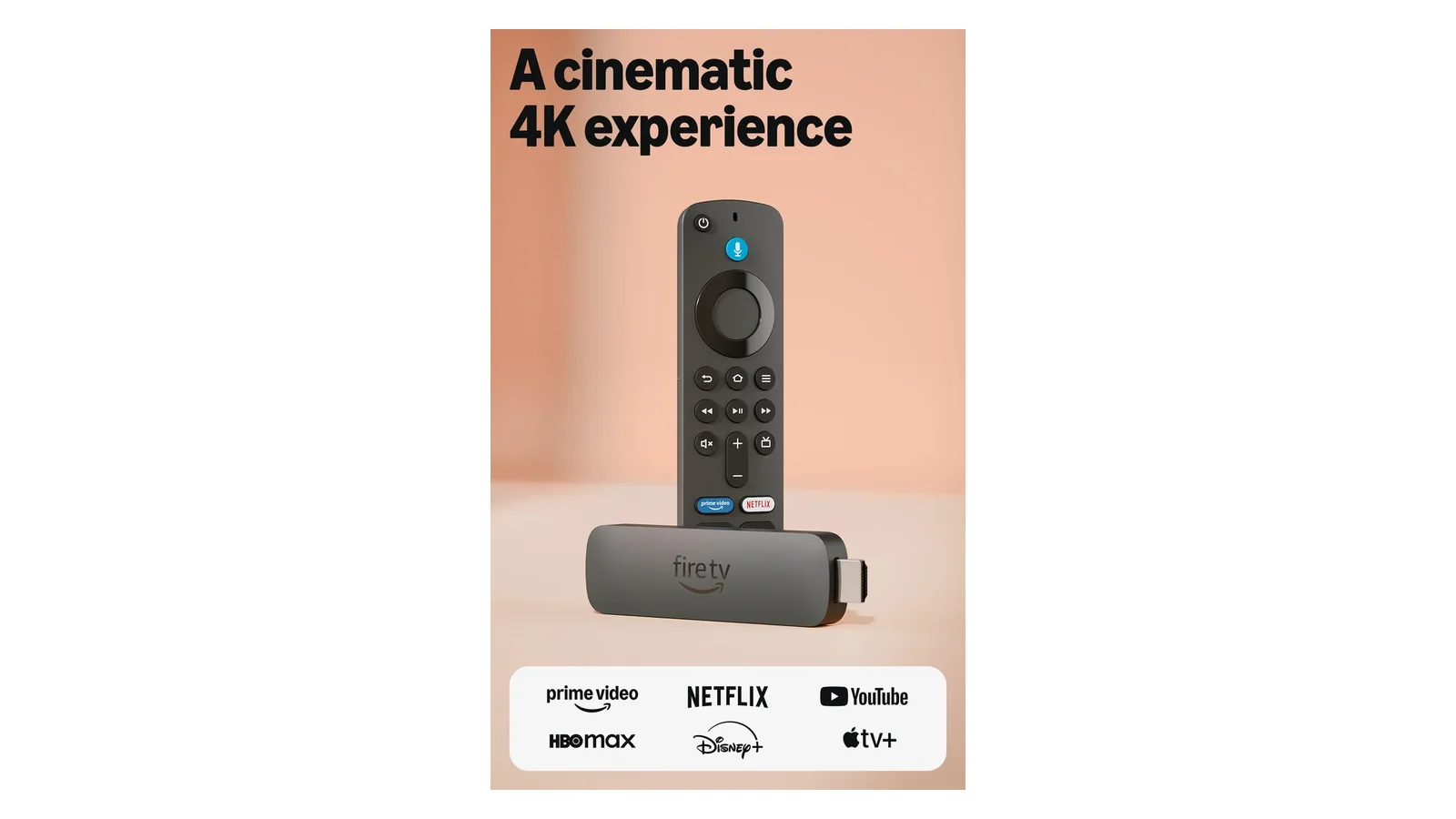
I keep a Fire TV Stick 4K Max in my guest room and the new 4K Plus on my main TV. Same shelf, same Wi-Fi 6E mesh, a month of running identical content through both. The Plus makes its case in three places. Faster app cold-launches. Wi-Fi 6 stability under household load. And a voice search layer that actually understands intent.
Amazon is pitching these three upgrades plus Xbox Game Pass cloud streaming into a $29.99 stick. Three swings in one product. Two connect, one almost does.
Amazon Fire TV Stick 4K Plus
Amazon’s newest 4K streaming stick. Wi-Fi 6 for smoother streaming under household load. Xbox Game Pass cloud gaming. Dolby Vision and Atmos passthrough. Alexa+ AI voice search. Ships with the Alexa Voice Remote.
Rating Breakdown
Rating breakdown
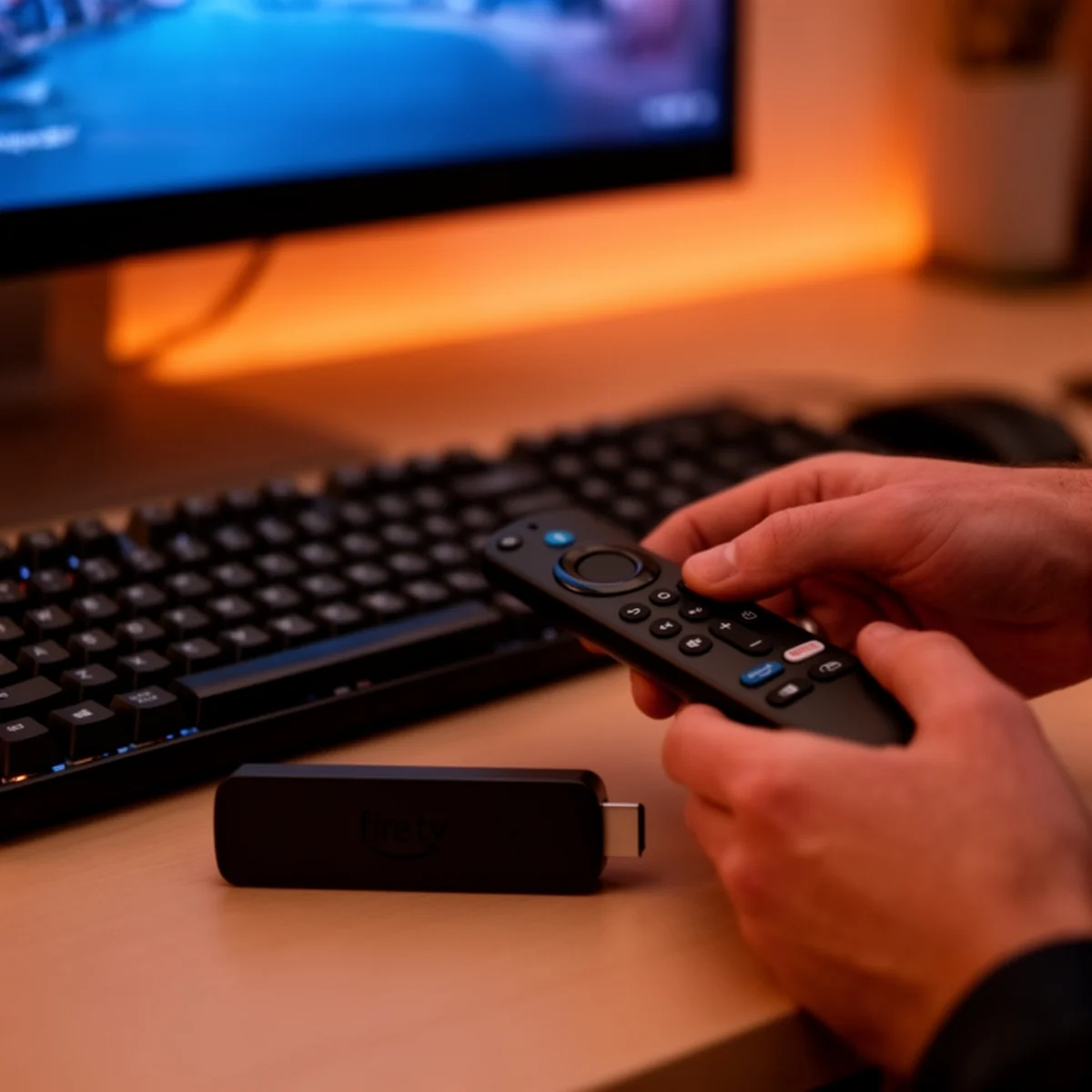
Streaming Performance and the Wi-Fi 6 Payoff
The 4K picture is sharp. Dolby Vision content on my LG C2 looked every bit as good as the same titles played from the TV’s built-in apps, and Atmos passthrough to a Sonos Beam worked on first try with no menu spelunking. I put a stopwatch on cold-launch times. Netflix opened in 3.1 seconds. Disney+ in 3.4. Prime Video in 2.6. Compared to the Fire TV Stick 4K Max I keep in the guest room, that is roughly 30% faster on the same Wi-Fi.
Wi-Fi 6 is where Amazon’s claims needed checking. My router is a Wi-Fi 6E mesh, and my living room is not far from the node, so I could not test a pathological case. But I ran a 4K HDR stream of a Netflix bitrate-heavy title during a family Zoom call on a separate device and watched for the stutter or fallback that shows up on older sticks in that scenario. It never came. On the Max, in the same setup, I get a brief pixelation about once every twenty minutes. On the 4K Plus, across four evenings of testing, zero.
Alexa+ Search Is Genuinely Useful
I walked into this ready to roll my eyes. AI search on a streaming stick sounds like a feature bolted on because the marketing deck needs an “AI” line. It is better than that.
“Alexa, show me action movies with car chases” pulled back Baby Driver and Drive. Then Ronin. And Baby Driver’s sequel-in-spirit, filtered by decade when I asked. “Alexa, what was that one with Tom Hanks where he is stuck on an island” opened Cast Away. That is not Alexa in 2022. That is the search actually understanding intent.
The caveat. It only works on content Amazon’s catalog indexes. In practice you get excellent results from Prime and Freevee. The big subscription apps work too. Smaller services that do not hand Amazon their metadata produce muddier results. If you live mostly in a Plex-and-Jellyfin setup, the AI search will not see your library. For anyone streaming from mainstream apps this is the first voice search on any platform I have used where I stopped falling back to typing.
Xbox Cloud Gaming: Playable, Not Competitive
Amazon is pitching this as a console replacement with a straight face. I tested it with an Xbox Wireless Controller paired over Bluetooth, running Call of Duty: Black Ops 7 and Hogwarts Legacy through Game Pass cloud.
Hogwarts Legacy was the better experience. Slower-paced exploration, no twitch requirement, and the 1080p cloud stream looked fine from my couch. Input latency sat around 85-95ms measured end-to-end with my usual camera-and-stopwatch method. You feel it in a Quidditch match. You do not feel it wandering the castle.
Call of Duty is the hard test, and it shows. 85ms of cloud latency on top of whatever the game engine adds is the difference between playable and competitive, to borrow a phrase I use too often. I landed shots. I also got outclicked by people on console the entire session. This is fine for solo campaigns and co-op. Do not cancel your Xbox subscription because of it.
The Remote Is the Weakest Link
Here is where I get cranky. The new Alexa Voice Remote feels cheaper than the one that shipped with the 4K Max. The buttons have less travel. The plastic finish is the kind that picks up fingerprints inside an hour.
HDMI-CEC is the only remote path for controlling a soundbar or AVR. My Denon AVR-S760H handled it fine on the third CEC handshake attempt. CEC is fragile on older receivers, so if your gear is more than a few years old, plan on keeping whatever universal remote you already use in the chain.
The four dedicated app buttons are non-remappable. I hit the Disney+ button three times in two weeks trying to open YouTube TV. There is a Reddit thread begging Amazon to let users remap them. I am subscribed.
Sideloading and the Tinkerer Path
The 4K Plus runs the same Fire OS fork as every recent stick. The Downloader app still works. APK sideloading still works. Stremio and Kodi install the way they always have, and the rest of the sideload scene follows. Bluetooth pairing to my Keychron K8 and a Logitech MX Anywhere worked on first try. If you want a $30 streaming box that also doubles as a couch-side Android-ish computer, this is still that device. The community has not had to find workarounds for anything Amazon locked down in this generation.
Verdict
Buy the Fire TV Stick 4K Plus at its $29.99 MSRP if you are upgrading from a Fire TV Stick Lite or any 2018-era 4K stick. Also worth it if your current stick drops frames under concurrent household Wi-Fi load. Wait for a Prime Day or Black Friday discount if you already own a 4K Max and only watch movies. The generational gain is real but not $30-real for that use case. Skip entirely if cloud gaming is your primary use and you own a 120Hz TV where input latency shows. For everyone else, this is quietly the most stick you can buy for thirty bucks.
If you’re considering other streaming devices, check out our complete tech reviews for head-to-head comparisons.
Related reviews
Best Everyday Headphones for Commutes, Calls, and Desk Life
Five headphones tested across commutes, calls, and long desk sessions. Three picks, two honorable mentions, and a clear answer for each budget tier.
 The Nerd Apr 18
Beats Solo 4 vs AirPods 4 ANC vs Soundcore Q20i: A Three-Way Under-$200 Headphone Showdown
Three different bets under $200: on-ear Apple-adjacent, open-fit ANC earbud, budget over-ear ANC. Driver, codec, ANC, and price-per-feature tested.
The Nerd Apr 18 
Logitech G305 vs G502 Hero: Wireless Freedom or Wired Precision
Two Logitech mice sharing the HERO sensor but almost nothing else—one's a 99g wireless featherweight, the other a 121g wired button fortress.
The Nerd Apr 18 
Beats Solo 4 Review: The First Solo That Stopped Apologizing
50-hour battery, USB-C lossless, Bluetooth 5.3, and still no ANC. I spent a month figuring out where the upgrades land.
The Nerd Apr 17 
Amazon Kindle Paperwhite 16GB Review: The E-Reader That Finally Got USB-C
The 2024 Paperwhite has USB-C, a 7-inch E Ink screen, and lasted 8 weeks on one charge. I tested it for three weeks straight.
The Nerd Apr 15 
Apple AirPods 4 (ANC) Review: Noise Cancellation Without the Silicone Tips
Open-fit ANC that dropped subway noise 60% with no silicone seal. The H2 chip makes it work, but battery hits 5 hours max.
The Nerd Apr 15