In this review
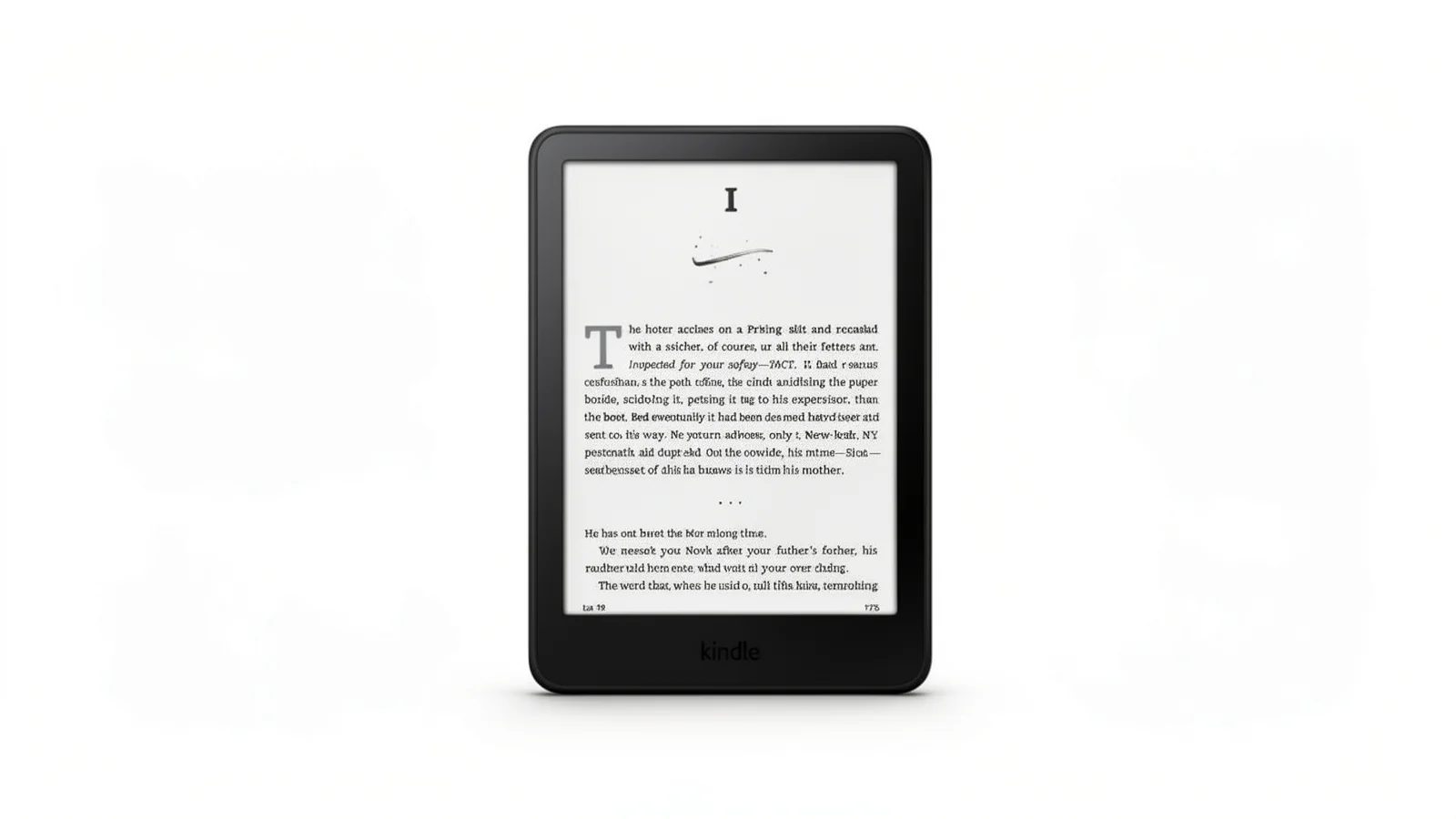
My old 2018 Paperwhite died in a way that was almost poetic. The micro-USB port finally gave up after six years of being jammed with a cable I could never orient correctly on the first try. I was halfway through a Murderbot novel and genuinely annoyed. I bought the 2024 Kindle Paperwhite 16GB that night, mostly because I wanted USB-C and I was tired of waiting for Amazon to remember that the rest of the device world had moved on. Three weeks in, I have opinions. Most of them are good.
Amazon Kindle Paperwhite 16GB (newest model)
The 2024 Kindle Paperwhite ships with a 7-inch glare-free E Ink display, 16GB of storage, USB-C charging, IPX8 waterproofing, and adjustable warm light. Amazon claims 25% higher contrast and 20% faster page turns than the previous generation.
Rating Breakdown
Rating breakdown
The Screen Upgrade Is Real, And You Feel It Immediately
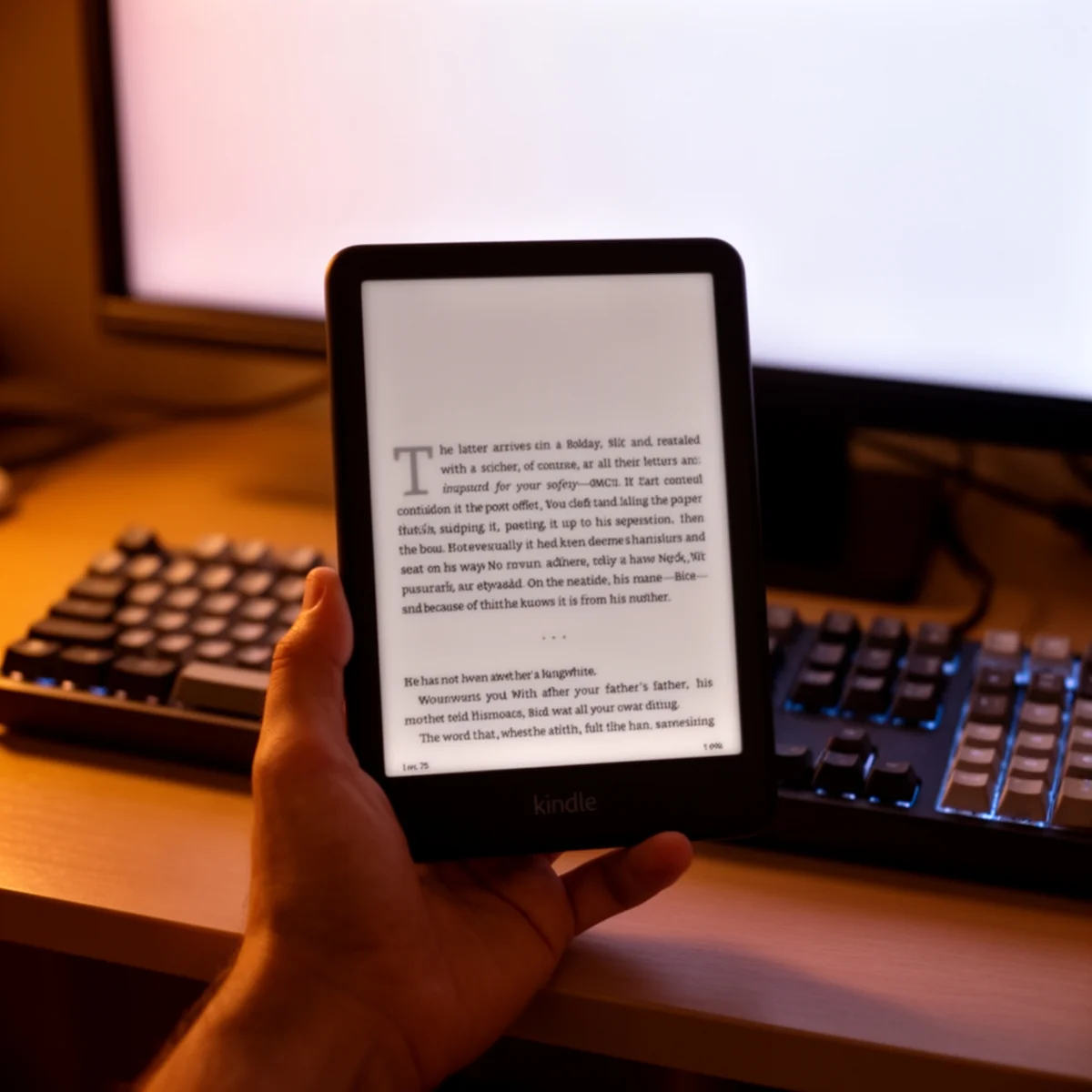
Amazon moved from 6.8 inches to 7 inches, which sounds like a rounding error until you hold it next to a previous-gen Paperwhite. The bezels shrank. The footprint barely changed. The extra screen real estate means one or two more lines of text per page at my preferred font size, and that matters more than I expected.
The panel is E Ink Carta 1300, which is the latest generation of E Ink tech. Contrast is noticeably better. Blacks look closer to printed ink and less like dark gray. I read outdoors on my apartment balcony in afternoon sun, and the text stayed sharp without me cranking the front light. The 300 ppi resolution is unchanged from prior Paperwhites, which is fine because 300 ppi already exceeds the point where my eyes can distinguish pixels at normal reading distance.
Page turns are the headline spec. Amazon says 25% faster. I tried to measure this by recording slow-motion video on my phone and counting frames. My numbers came in around 180 milliseconds from tap to fully rendered page, versus roughly 260 milliseconds on my old 2018 Paperwhite. That is close enough to Amazon’s claim that I believe them. The practical effect is that flipping through pages to find a passage no longer feels like waiting for a dial-up modem.
Battery Life Claims Survive Contact With Reality
Amazon says 12 weeks on a single charge. I cannot verify 12 weeks because I bought it three weeks ago and it is still at 61%. At my reading pace, which is about 45 minutes a day with WiFi off and front light at roughly 10 out of 24, I burned through 39% of battery over 21 days. Linear extrapolation puts me at around 54 days, or about eight weeks, to zero.
That is below Amazon’s claim but still absurdly good. The 12-week number almost certainly assumes WiFi off, front light at low brightness, and about 30 minutes of reading per day. My usage was more demanding. For anyone who only reads on flights and before bed, 12 weeks is plausible.
USB-C charging took the device from 12% to 100% in roughly two and a half hours with a 20W charger. The port itself feels more solidly built than the old micro-USB setup, which is the lowest bar in consumer electronics but worth mentioning because that is specifically what killed my last Kindle.
Waterproofing Works, And I Tested It Badly
The IPX8 rating means submersion in up to two meters of fresh water for up to 60 minutes. I did not do that. I am not insane. What I did do was drop it in the bathtub twice, read with it sitting in a puddle of condensation from an iced coffee, and let my kid pour water on it during a backyard afternoon because she wanted to see if it was really waterproof.
It is. No issues. The touchscreen briefly misreads water droplets as taps, which is expected behavior and matches what the product page warns about. Dry it off and everything goes back to normal.
One thing to know: the Paperwhite is waterproof, not saltwater-proof. Beach reading is fine. Dropping it in the ocean is not covered.
The Software Is The Weak Link
The hardware is the best Kindle I have ever used. The software is the 2012 Kindle software with a couple of cosmetic updates.
Home screen surfaces more Amazon store suggestions than actual books. Even on the no-ads version, the store is prominent. The library view has improved, but organizing a large book collection still feels like a punishment. Sideloading books via USB works fine, but Send to Kindle over email is slow enough that I have stopped bothering.
The dictionary, Word Wise, and X-Ray features remain excellent. Text-to-speech via Bluetooth for Audible works better than it has any right to, though the 16GB of storage matters mostly for audiobook offline downloads. Ebook files themselves are tiny. I have 600 books sideloaded and I am using less than 3GB.
Firmware updates arrive roughly quarterly. Amazon is slow to add features, but the platform is mature enough that nothing feels broken. That is a different bar than, say, a Boox Palma running Android, which is more flexible but also more fragile.
The Competition Is Worth Knowing About
If you care about color E Ink, the Kobo Libra Colour beats the Paperwhite. Actual color, physical page-turn buttons, and a more open file format policy that handles EPUB files without conversion.
If you want Android and the ability to run the Kindle app alongside Libby, Kobo, and a web browser, the Boox Palma 2 or Boox Go 7 are more interesting devices. They also cost roughly twice as much and have battery life measured in days instead of weeks.
The Kindle Paperwhite Signature Edition adds auto-brightness, wireless charging, and 32GB for another $50 or so. The wireless charging is convenient. Auto-brightness is useful if you read in varied lighting. The 32GB matters only for heavy Audible users. For most readers, the base 16GB model is the better buy.
Verdict
If you already own a 2021 Paperwhite and it still works, skip this upgrade. The screen is nicer and the charging is better, but the day-to-day reading experience feels almost the same. If your Kindle is from 2018 or earlier, or you have never owned an e-reader and you read enough to justify a single-purpose device, buy the base $99 model with ads. The lock-screen ads are mild. Spending $20 to remove them is fine if it bothers you. Spending it on another book is a better use of the money.
Related reading: if you want something simpler for commutes and workouts, check my JBL Tune 510BT review for a cheap audiobook companion.
Related reviews
Best Everyday Headphones for Commutes, Calls, and Desk Life
Five headphones tested across commutes, calls, and long desk sessions. Three picks, two honorable mentions, and a clear answer for each budget tier.
 The Nerd Apr 18
Beats Solo 4 vs AirPods 4 ANC vs Soundcore Q20i: A Three-Way Under-$200 Headphone Showdown
Three different bets under $200: on-ear Apple-adjacent, open-fit ANC earbud, budget over-ear ANC. Driver, codec, ANC, and price-per-feature tested.
The Nerd Apr 18 
Logitech G305 vs G502 Hero: Wireless Freedom or Wired Precision
Two Logitech mice sharing the HERO sensor but almost nothing else—one's a 99g wireless featherweight, the other a 121g wired button fortress.
The Nerd Apr 18 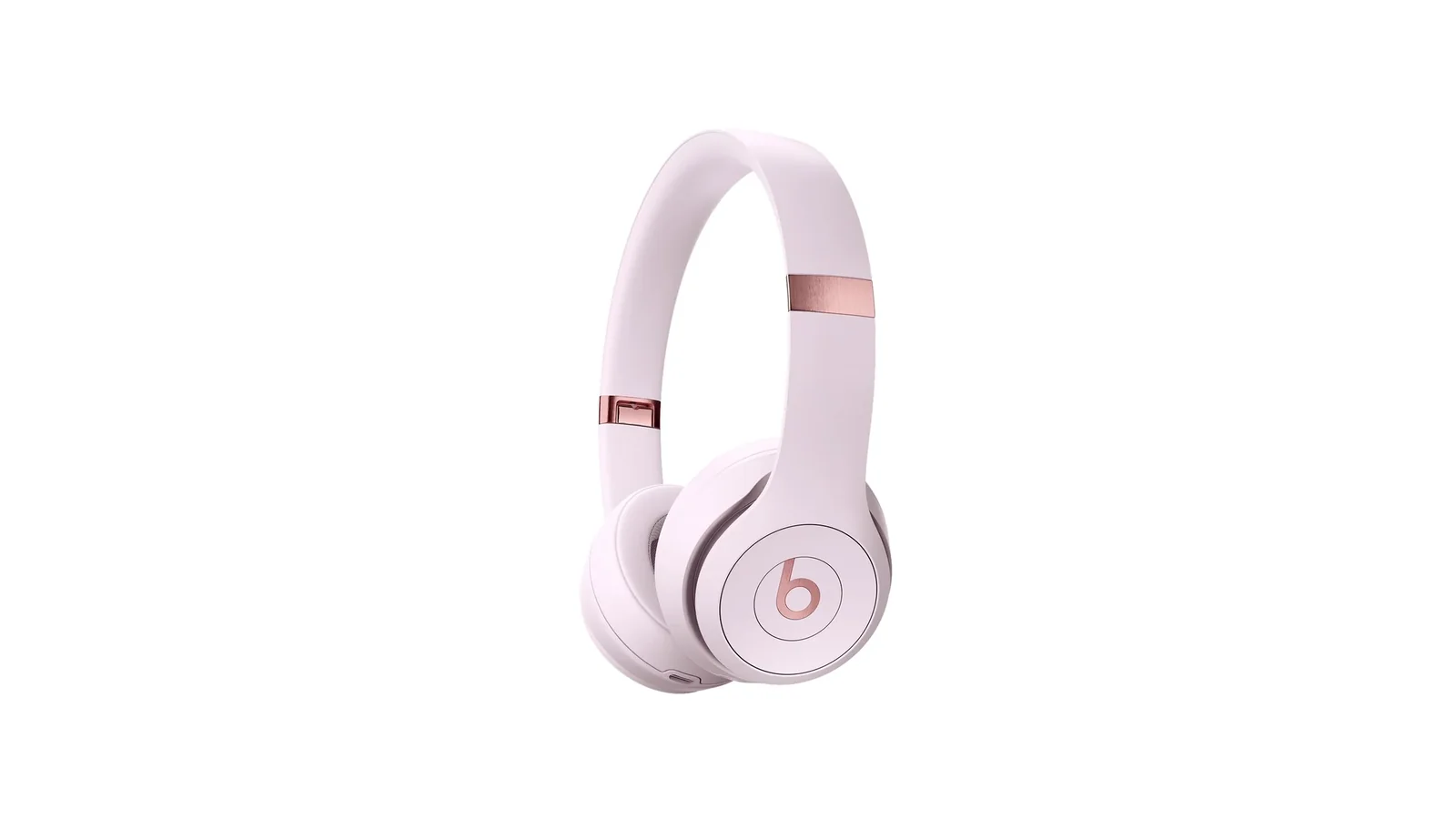
Beats Solo 4 Review: The First Solo That Stopped Apologizing
50-hour battery, USB-C lossless, Bluetooth 5.3, and still no ANC. I spent a month figuring out where the upgrades land.
The Nerd Apr 17 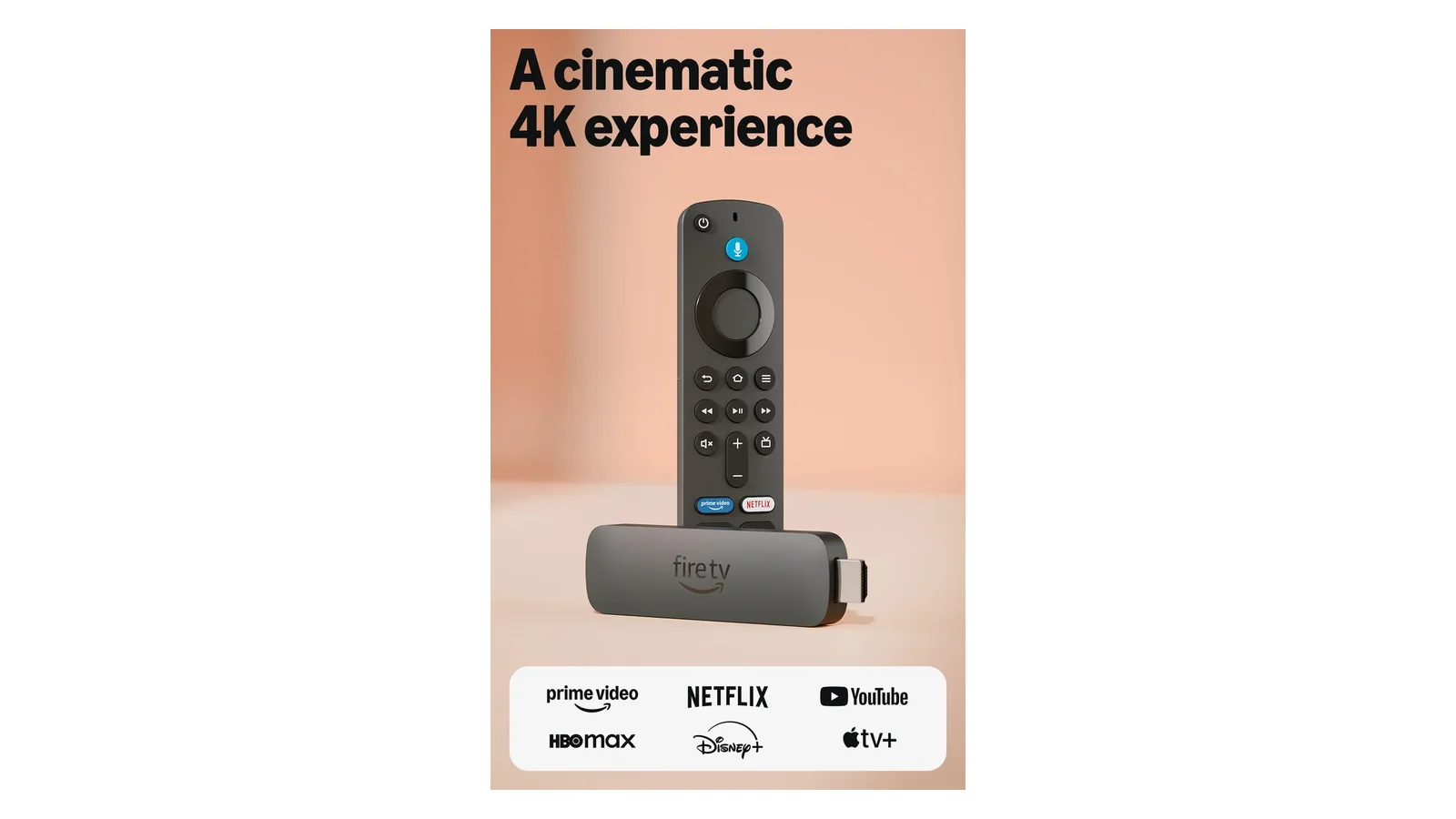
Amazon Fire TV Stick 4K Plus Review: Wi-Fi 6 and Cloud Gaming at $30
Wi-Fi 6 eliminated buffering during concurrent household load. AI search actually understood intent. Xbox cloud gaming sits at 85ms.
The Nerd Apr 17 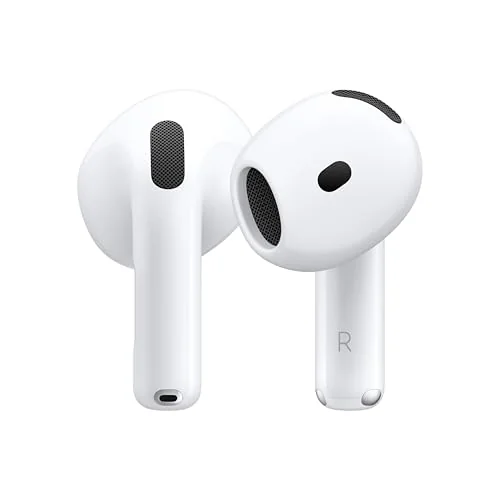
Apple AirPods 4 (ANC) Review: Noise Cancellation Without the Silicone Tips
Open-fit ANC that dropped subway noise 60% with no silicone seal. The H2 chip makes it work, but battery hits 5 hours max.
The Nerd Apr 15