In this review
The G502 on my desk has survived two PC builds, one coffee incident, and a move across three apartments. I expected the Hero revision to get dethroned by lighter designs. Spent a weekend testing newer mice. Came back to the quiet thunk of the G502’s left click. Seven years is a long shelf life for a gaming mouse. Logitech has sold this shape in some form since 2014, and the Hero refresh from 2018 is what still sits in the $50 slot on Amazon today.
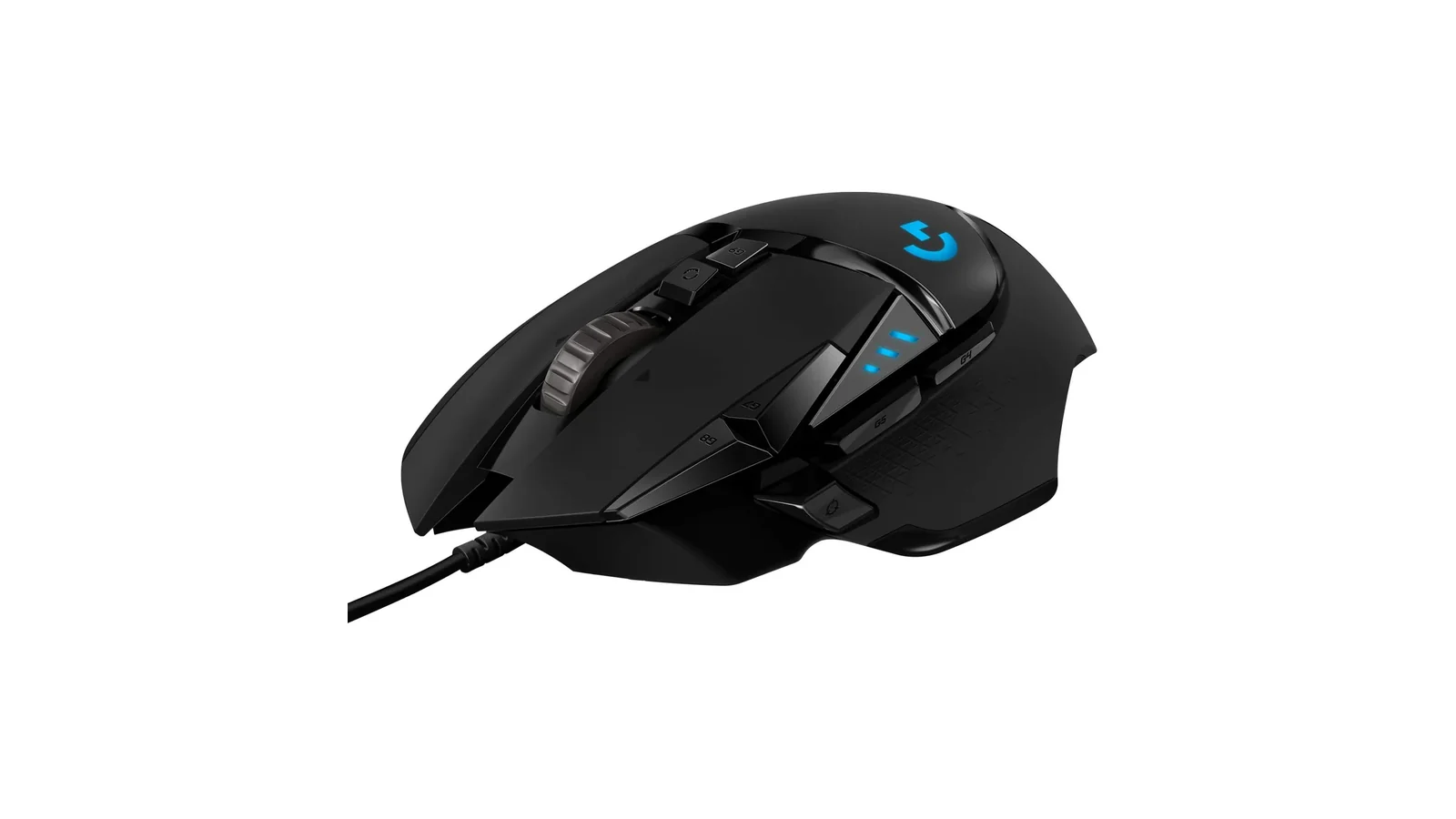
Logitech G502 Hero High Performance Gaming Mouse
Wired gaming mouse with the HERO 25K sensor, 11 programmable buttons, five tunable 3.6 g weights, dual-mode hyper-fast scroll, and onboard memory for five profiles. 121 g base weight, USB-A, LIGHTSYNC RGB, Windows and macOS.
Rating Breakdown
Rating breakdown
HERO 25K: Zero Smoothing Across 25,600 DPI
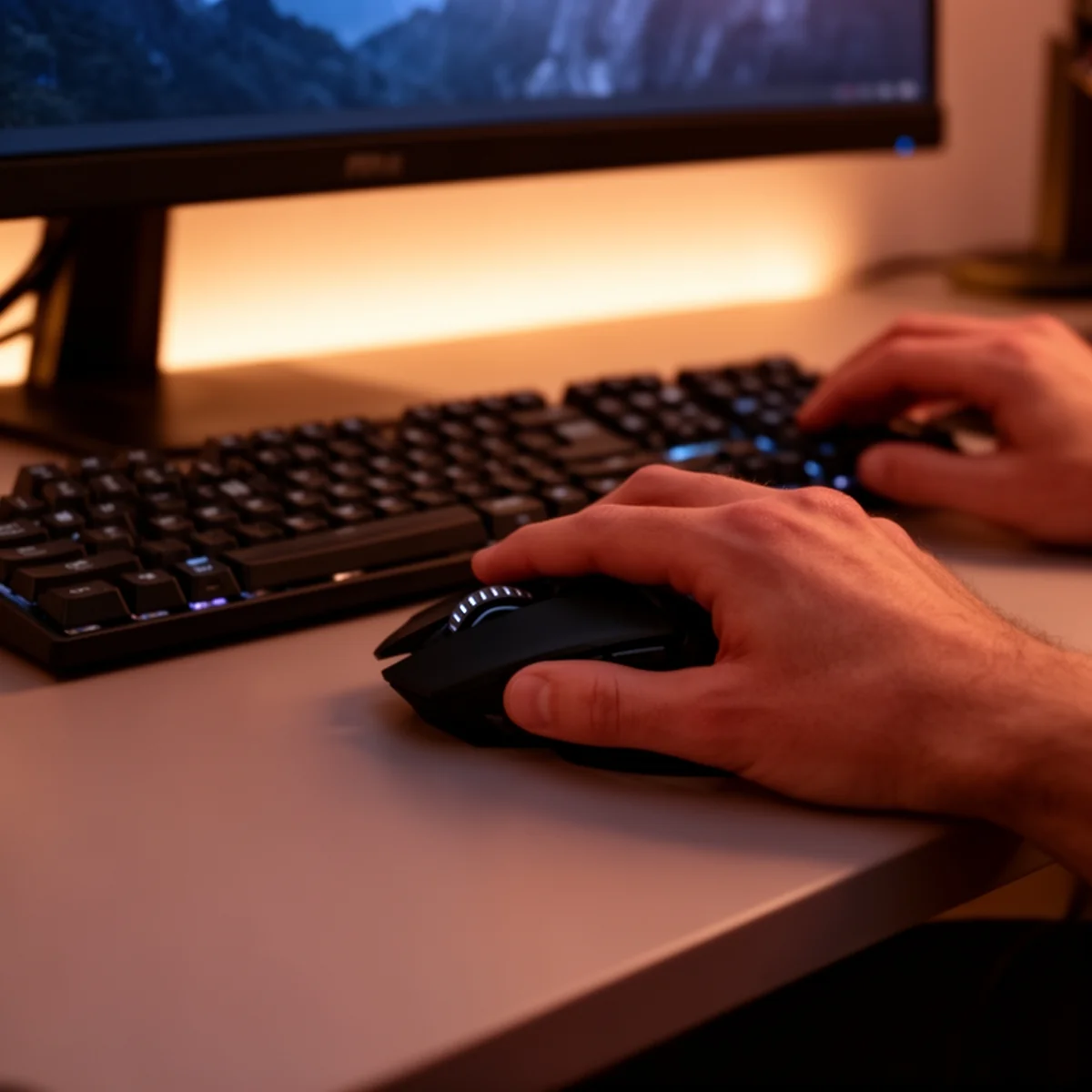
The HERO 25K is the same optical sensor Logitech puts in the G Pro X Superlight and the G703. That is the part of the spec sheet that matters. It tracks from 100 to 25,600 DPI, pulls about 400 IPS, and Logitech claims zero smoothing, filtering, or acceleration across the full range. I believe them. I have chased low-sens CS2 flicks at 800 DPI and cranked it to 3,200 for a Helldivers 2 binge, and the cursor never once felt like it was interpreting me. It just went where I told it.
The difference between a good sensor and a great sensor shows up at the edges. Lift-off distance is short, so picking the mouse up mid-swipe does not ghost a cursor across three monitors. Tracking across a white page or a cloth pad or the slightly waxy Logitech G640 all read identically in G HUB’s sensor test. That consistency is what you are paying for. A $20 mouse will hit 25,000 DPI on the box too. It will not feel like this underhand.
Eleven Buttons, and You Will Use About Nine
The button count reads like marketing padding until you actually bind them. Primary left and right, clickable scroll wheel, DPI up and down, a sniper button under the thumb, a mode-switch for the scroll wheel, and three extra thumb buttons give you eleven total. I have them mapped in G HUB for different apps: Discord push-to-talk on the sniper button for games, Figma shortcuts for design work, browser forward and back for everything else. G HUB’s per-app profile switching is one of those features that sounds dumb until you use it for a month and realize you have not touched a keyboard modifier in hours.
The mechanical switch button tensioning is a quieter win. Logitech built a tiny leaf-spring system behind the primary clicks so there is almost no pre-travel and almost no post-travel. Clicks feel crisp at the top and bottom of the press, which is the kind of thing you stop noticing and then miss immediately when you switch to a mushier mouse. After roughly three years of daily use on my older G502 Proteus Spectrum, the left click did develop the classic Logitech double-click problem. The Hero revision tightened that switch and I have not seen it recur on the newer unit. Logitech rates the switches at 50 million clicks. Your hand will tire before the switch does.
The Weights Are Not a Gimmick, But You Will Ignore Them
Inside the trap door on the bottom, five 3.6 g weights slot into positions you can bias front, back, left, or right. I spent an evening with a digital scale and a notepad trying different arrangements. The verdict: two weights in the back makes a claw grip feel less nose-heavy, and leaving them all out drops the mouse to 103 g if your wrist hates the stock 121 g. Beyond that, the differences are real but small. Most people will load them once, forget about it, and be fine.
The dual-mode scroll wheel is the feature I did not think I cared about and now cannot live without. Press the button behind the wheel and it unclutches into a free-spin flywheel mode. One flick and you are at the bottom of a 40,000-line codebase or the end of a long Excel sheet. Click back to ratcheted and you get tactile notches for weapon swaps and DPI menus. Nobody else does this at the $50 tier. Razer tried and killed it. Logitech kept it, and it is one of the reasons I keep coming back.
G HUB Is Fine, Mostly
Here is the part where The Nerd gets grumpy. G HUB, Logitech’s configuration software, is bloated, slow to launch, and has historically had a bad habit of forgetting profile assignments after Windows updates. It has gotten better. The current builds are more stable than the 2021-era disasters that had the r/LogitechG subreddit in open revolt. But on a cold boot it still takes 4 to 6 seconds to surface the UI, and the initial installer pulls in an Arx Control companion I will never use.
The saving grace is the onboard memory. The G502 Hero stores up to five full profiles on the mouse itself, including DPI stages and LIGHTSYNC lighting patterns. You can set it up once, uninstall G HUB, and the mouse will behave exactly the way you configured it on any PC you plug it into. For a lab machine or a work laptop where you cannot install drivers, that matters. Hardware win, software compromise.
Verdict
If you play at low sensitivity and do a lot of wrist-heavy flicking, skip this and look at a Logitech G Pro X Superlight or a Razer Viper V3. Everyone else: the G502 Hero is the default answer for “good wired gaming mouse under sixty bucks” and has been for five years running. Buy it, load the weights you want, forget about it for three years.
For more mouse and peripheral reviews, check out our full gaming category.